Guides / Reference
DRC exclusions
Some findings are acceptable and you’ll want to silence them without losing track of them. Exclusions do that: reversible, and always counted.
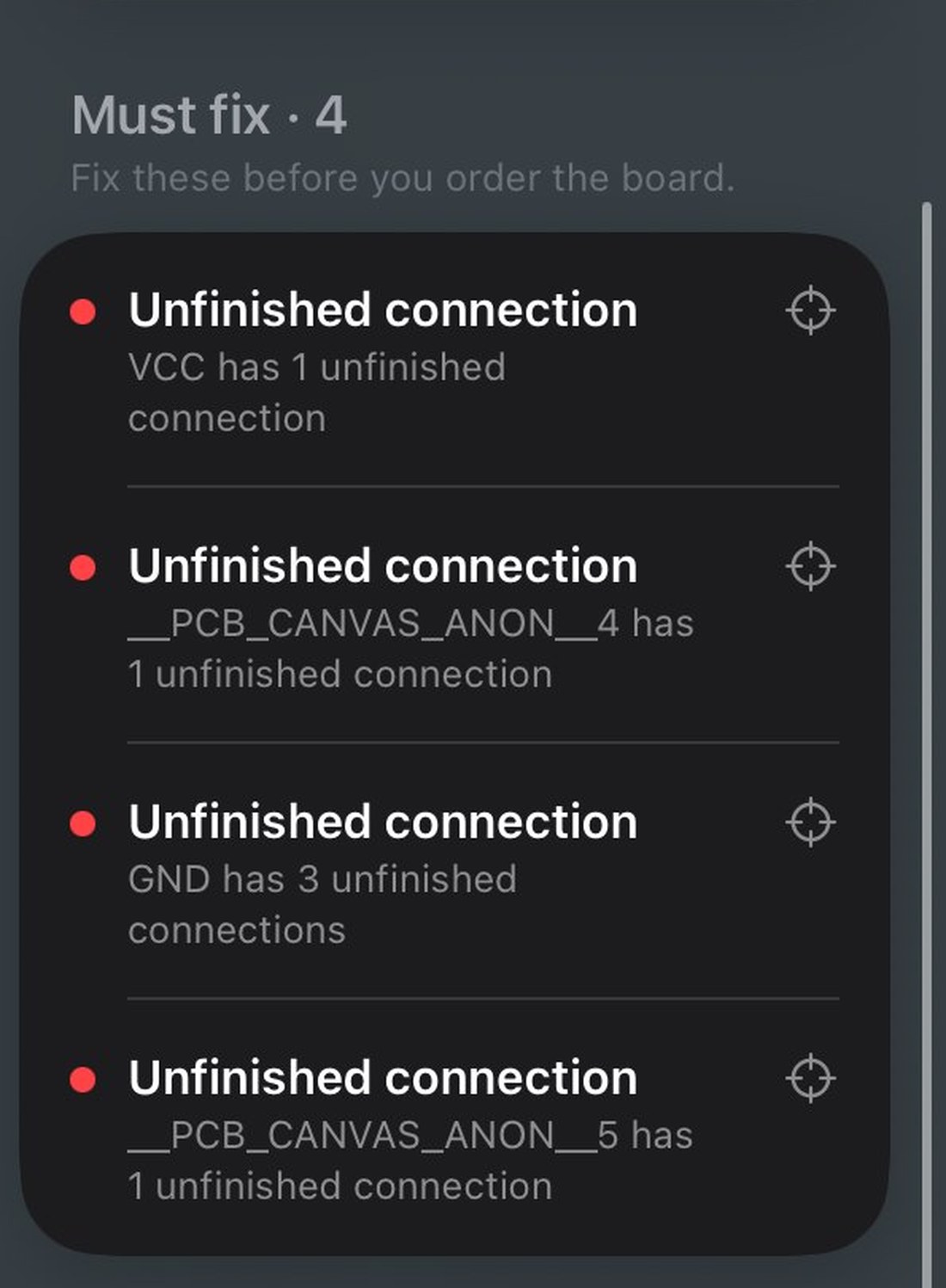
- Accept a finding
On a problem row, swipe to Accept. It leaves the to-fix list but is never deleted.
- See what you’ve waived
Every verdict states how many findings were accepted, a waived board stays distinguishable from a clean one. Restore brings any of them back.
“0 problems” and “0 problems, 3 accepted” are different facts about a board, and the app keeps them distinct. Exclusions survive export and reopen.