Guides / Reference
Exact position & rotation
Connectors and mounting holes need exact coordinates from the mechanical drawing. Type them instead of dragging.
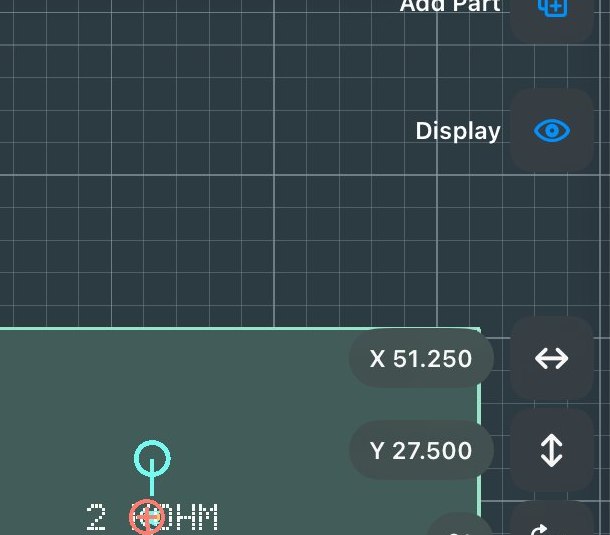
- Select the part
Its X, Y and angle appear as chips beside the selection, in your units, mm or mils.
- Type the truth
Tap a chip and enter the coordinate from the mechanical drawing. Geometry is stored in integer nanometres, so what you type is what you get, no float drift.
- Watch the snap labels
While dragging, labels state what aligned to what, for example “Centre → U3” or “Left edge → board edge”. Use them to confirm a drag landed where you intended.
Limitation: numeric entry currently opens as a modal sheet rather than inline. It works; it’s tracked for improvement.