Guides / Reference
Layer focus
On a dense board, showing every layer at full strength makes none of them readable. Layer focus controls what you see.
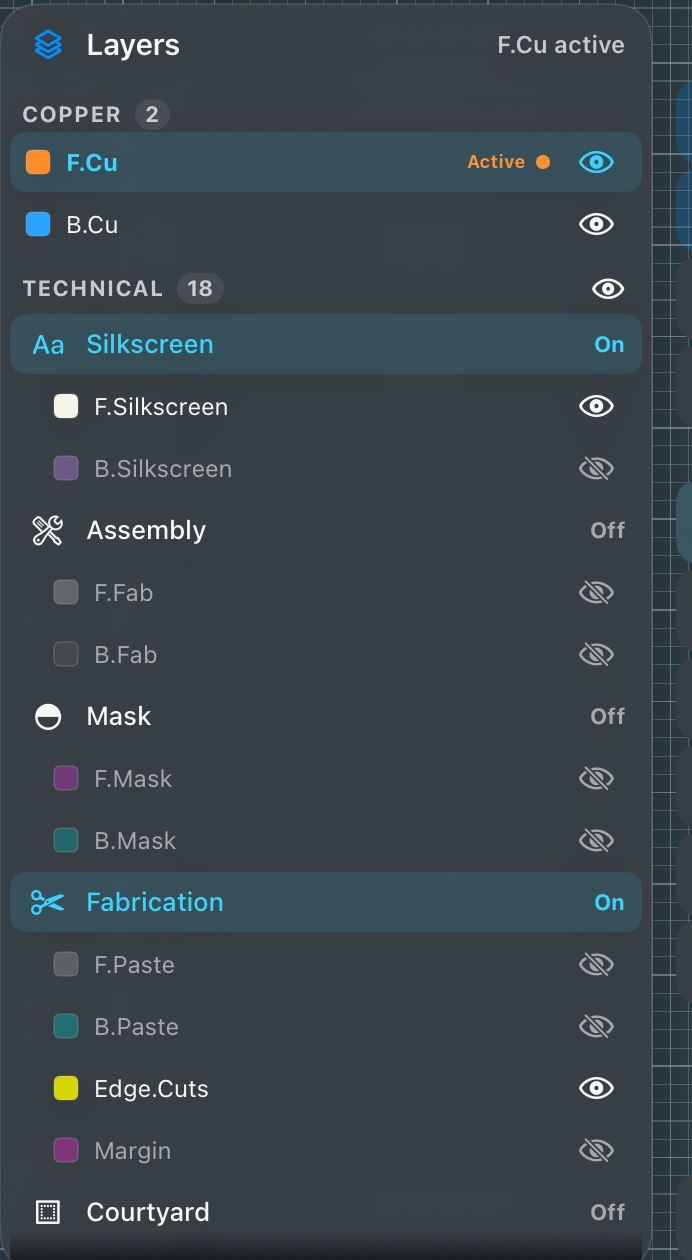
- Open Layers
The Layers group lists every layer with the active one marked.
- Pick your view
All layers, everything, equal. Focus active, the active layer at full strength, the rest dimmed but present. Isolate active, the active layer alone.
Earlier builds used a fixed dim level that couldn’t be changed. The three named modes replaced it, and they also make a screenshot unambiguous about what it shows.