Guides / Reference
Measuring & snapping
Measure mode reports distances between points. Snap labels report alignment while you drag. This page covers both.
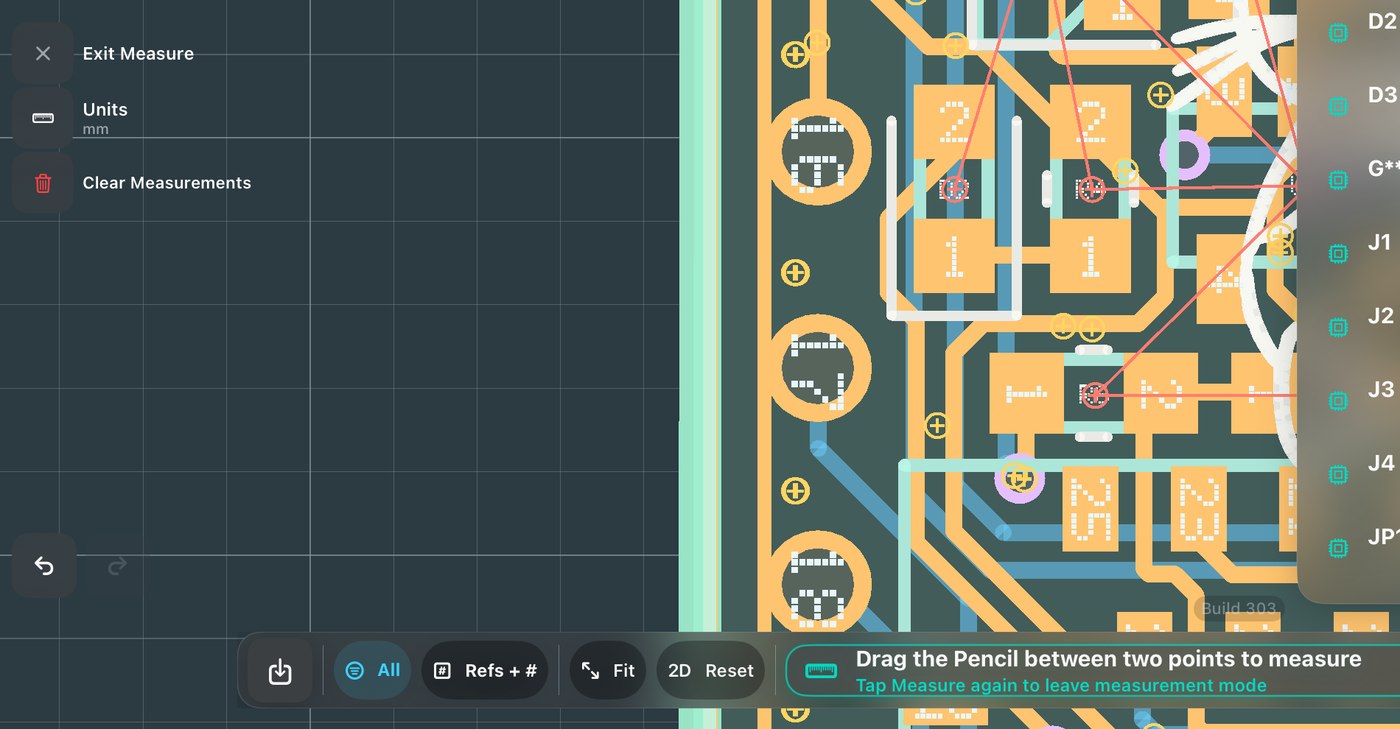
- Measure
Enter Measure and tap between points, pad to pad, edge to edge. Your units, mm or mils.
- Watch the snap labels
While dragging a part, labels state what aligned to what, such as “Centre → U3” or “Left edge → board edge”. The Legal Grid does the equivalent for copper: it shows where this net, at this width, is allowed, and snaps to it.