Guides / Reference
Selecting things
Three rules decide what a tap selects. Knowing them saves time on dense boards.
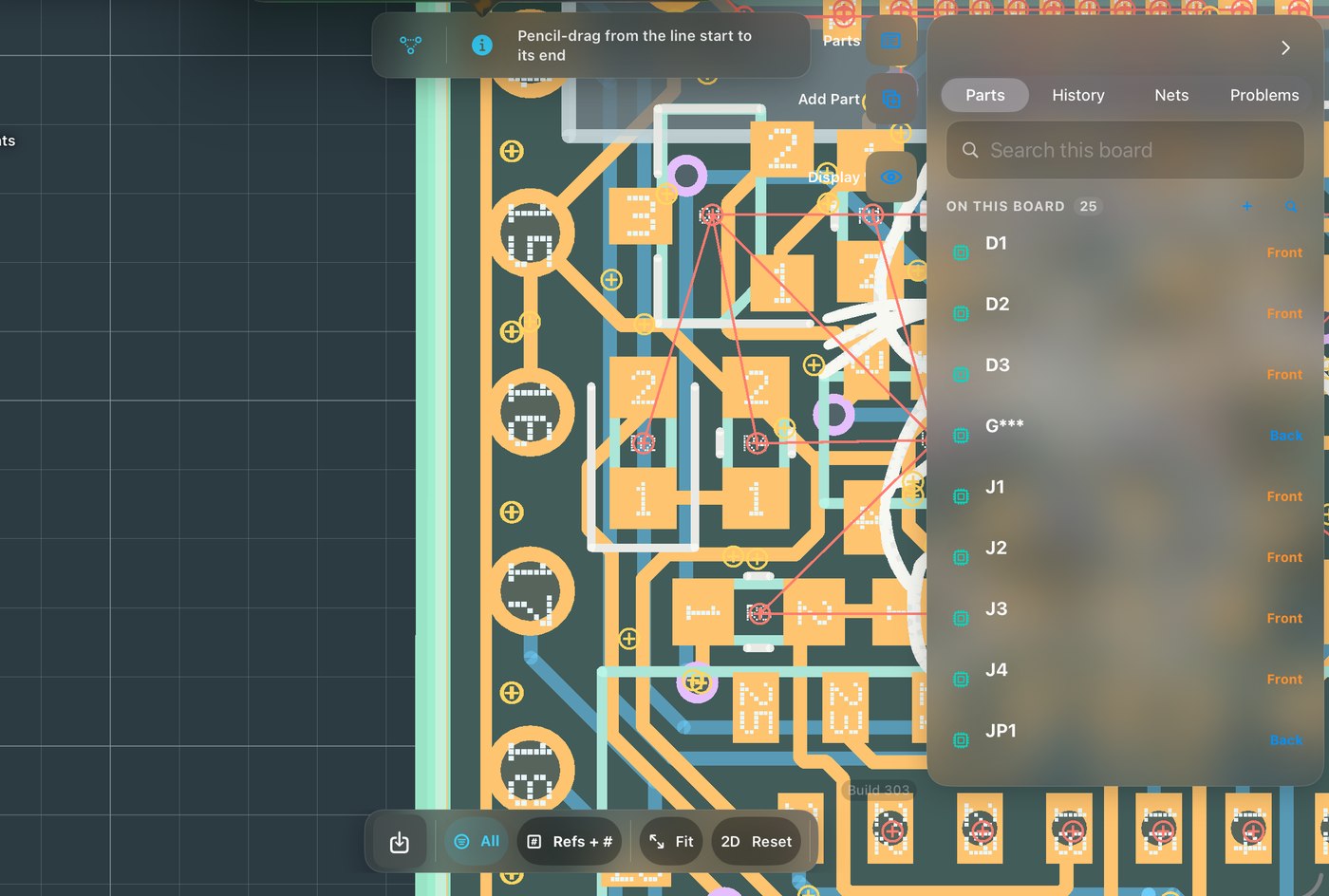
- Copper wins the tap
A trace crossing a part body wins; outlines can never steal a copper selection. The whole net glows so you instantly see what you’re holding.
- Part, then pad
First tap selects the part; a second tap on the same spot drills into the pad. The selection card names exactly what’s selected, with its function and net.
- Many at once
Marquee-select, then act on the lot, bulk width changes, moves, deletes. Selection filters limit what a marquee may catch.