Guides / Reference
Net guides
A guide is a drawn path assigned to a net. Copper routed with Guides snap follows it, and the link persists so you can reshape the route later.
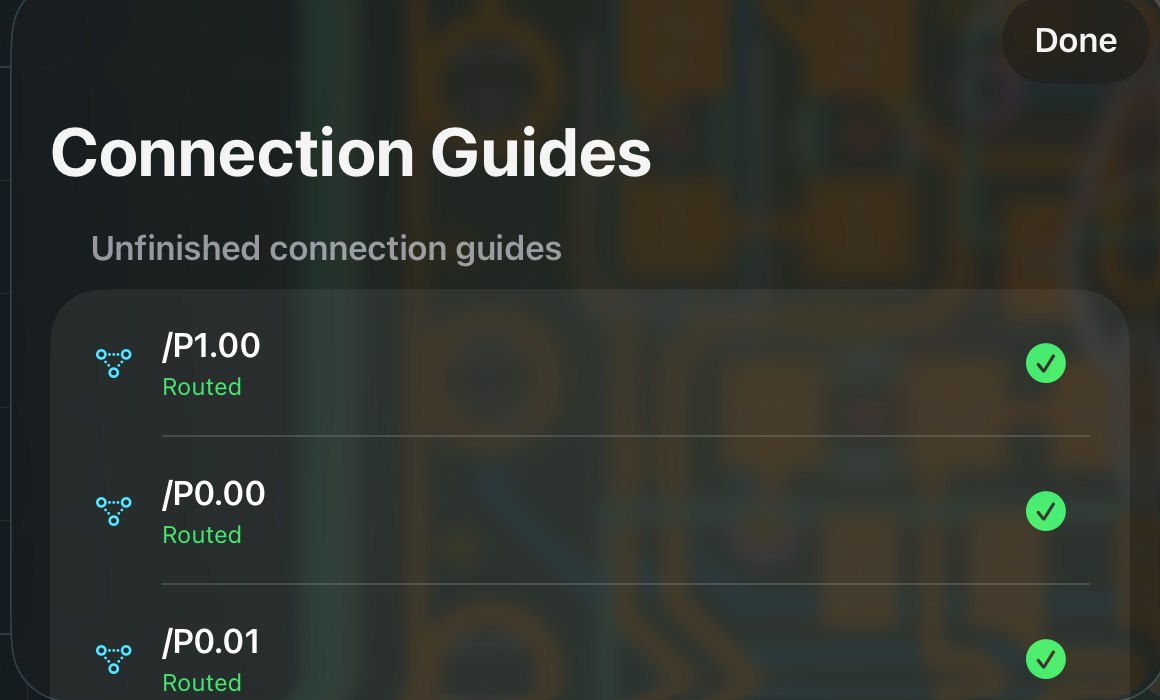
- Draw and assign
In Draw, sketch the path; assign the net.
- Route along it
Route that net with Guides snap on, it follows your shape instead of the router’s shortest idea.
- Change your mind later
Reshape the guide and the copper reflows. Lock pins copper exactly; Detach cuts the link; deleting a guide keeps its copper.
Once copper exists, most tools keep only the geometry. A guide also keeps the intended path, which is what makes later reshaping possible.
Limit: today’s guides steer single nets. Corridor, via-stitch and length-match guide kinds share the substrate but aren’t built yet. (Length tuning itself, the meanders added to a drawn trace, is built; see differential pairs & length tuning.)