Bring your KiCad board
Open a .kicad_pcb, edit it, and export a copy when you’re done. The file you opened is never written to.
How opening works
Opening is an import. The app reads the file and keeps its own document; your edits live there. When you want a file back, you export a KiCad copy. The original stays byte for byte what it was, which keeps it safe in version control and in desktop KiCad.
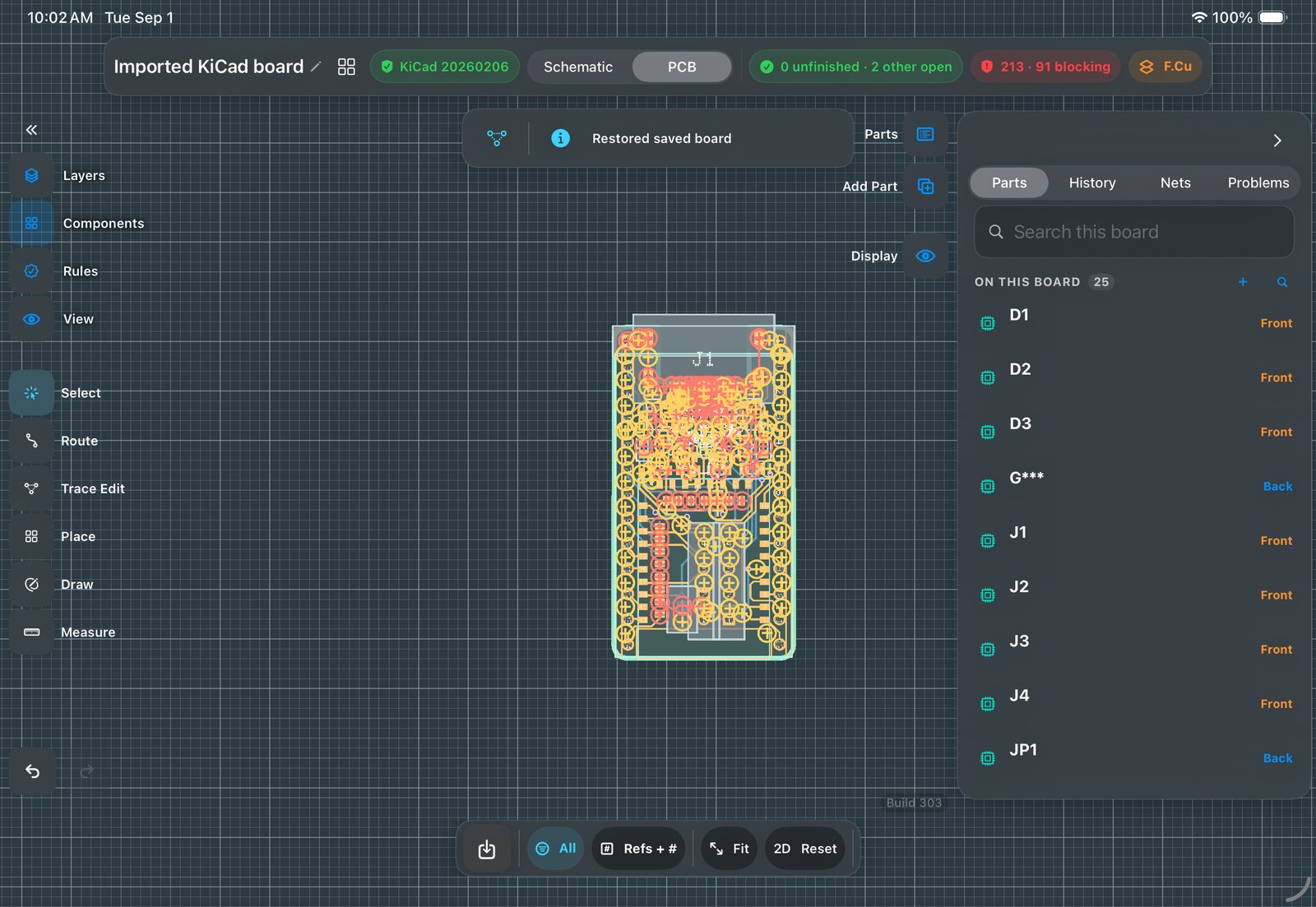
Steps
- Open the file
Boards ▸ Open, or share a
.kicad_pcbto PCB Canvas from Files, Mail or your git client. Footprints, nets, pours, keepouts and rules come in; the board’s own design rules are read from its.kicad_prowhen it’s alongside.Why this matters: because the bytes never change,git statusstays clean and desktop KiCad can always open the same file for a second opinion. You can check this yourself: open a board here, then diff the file. - Check it landed whole
Open Problems. Ambient DRC runs continuously against the board’s own rules, six of KiCad’s eight rule families match KiCad 10 on our reference board, so for those families what you see here is what the desktop would tell you.
What parity means here: we ran KiCad 10 and PCB Canvas on the same board at the same 0.20 mm clearance. For six rule families the findings line up; five of them match object for object, and clearance counts per segment where KiCad counts per chain. It is measured on one reference board, not guaranteed on yours, so run KiCad’s own DRC before you order. - Edit the board
Move parts (connected copper tidies and reconnects), route with finger or Pencil, repour, add keepouts, edit pads. Undo is one step per change, always.
Every change is one Undo step, including compound ones like moving a part while its copper reconnects. If an edit goes wrong, one Undo restores the previous state. - Export a copy
Boards ▸ Export a KiCad copy. Everything you did survives the round trip, reopen the export on the desktop and keep going there whenever you like.
What survives: parts, copper, pours, keepouts, rules, and your edits. Pours that came in from KiCad are written back exactly as authored, not re-filled. The export is a new file beside your original, so you can diff the round trip.