Routing
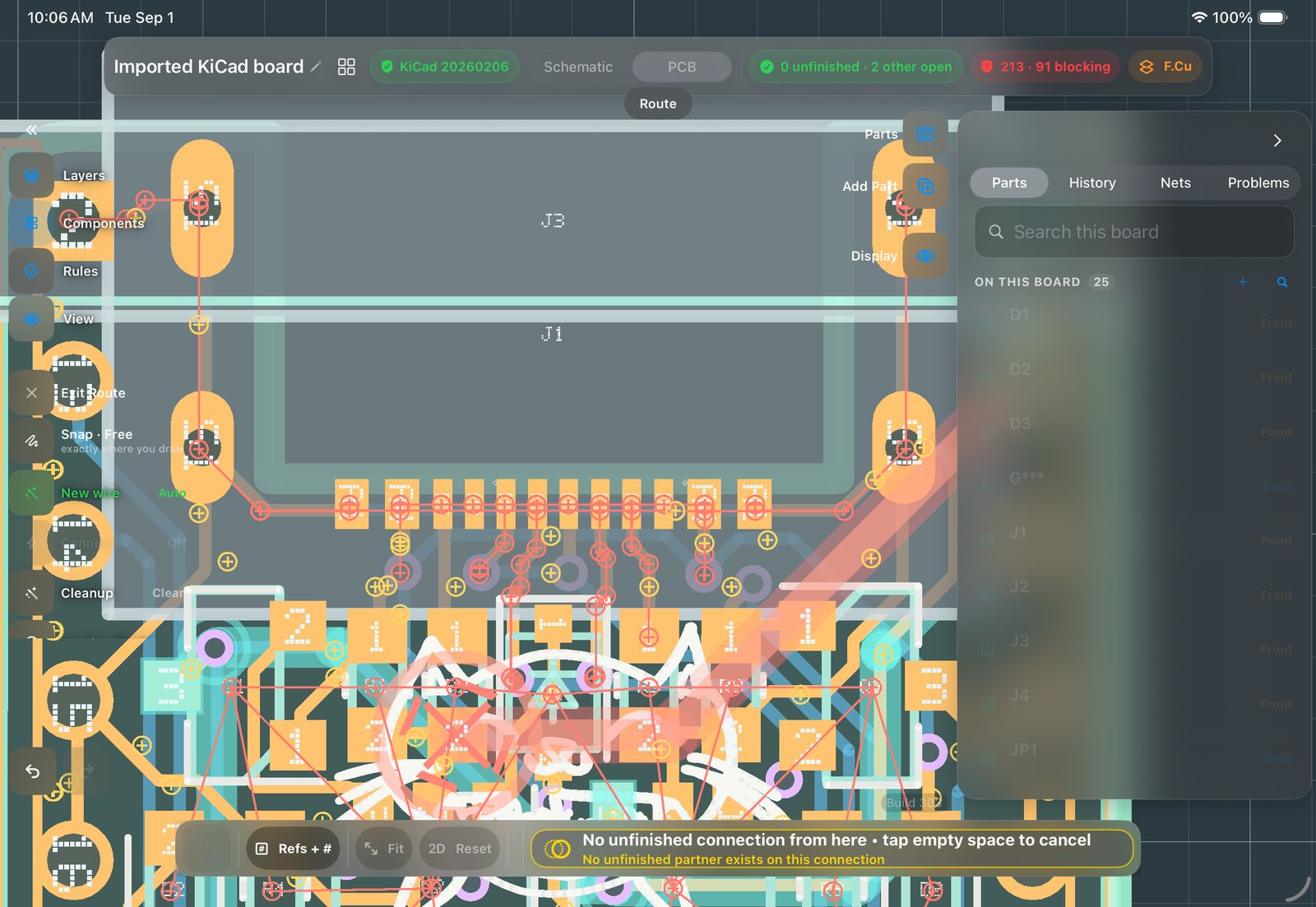
Copper goes where you drag it, with a finger or the Pencil. The Legal Grid shows where copper is allowed before you commit, and drawn guides can steer entire nets.
The basics
- Route by contact
Enter Route and drag from a pad. One contact acts; two fingers navigate. Push-and-shove moves other copper out of your way instead of refusing.
What push and shove means: your new trace nudges existing traces aside as long as every clearance still holds. The alternatives are a router that refuses, or one that lets you draw illegal copper to fix later. This one keeps the board legal while you work. - Connect pad to pad
In Select mode, dragging one pad onto another joins them, no mode switch for the common case.
- See where copper may go
Turn on the Legal Grid while routing: it shows exactly where this net, at this width, on this layer, is allowed, and snaps you to it. Clearance stops being a surprise at DRC time.
Why it matters: clearance violations are usually found at DRC, long after they were created. The Legal Grid enforces the rule at the moment you place copper, so those violations don’t get created in the first place. - Fatten in bulk
Marquee a set of traces and edit width or via size once, it applies to the whole selection.
Net guides: draw the intent, keep the intent
- Draw a shape, give it a net
In Draw, sketch the path you want a net to take and assign the net to it.
- Route with Guides snap
Route that net and it follows your shape.
- Reshape later, copper follows
A guide is retained intent, not a stencil: reshape it and the associated copper reflows. Lock pins the copper exactly, Detach makes it independent, and deleting a guide keeps its copper.
What a guide stores: the path you wanted, as an object that stays attached to the copper. If placement changes later, reshaping the guide reflows the route. Lock pins the copper exactly; Detach makes the copper independent of the guide.
High-speed lines
Differential pairs get a routing-time affordance with an achieved-vs-target readout, and length tuning ships for the lines that need it: it adds meanders to a trace you have drawn to bring it inside its length tolerance. Impedance targets live in the stackup editor, so the intent is stated where the geometry is decided.